
Unlinking Your CFX Opus from BR.io
Complete this task to remove the link between the instrument and your BR.io user account.
To unlink your instrument
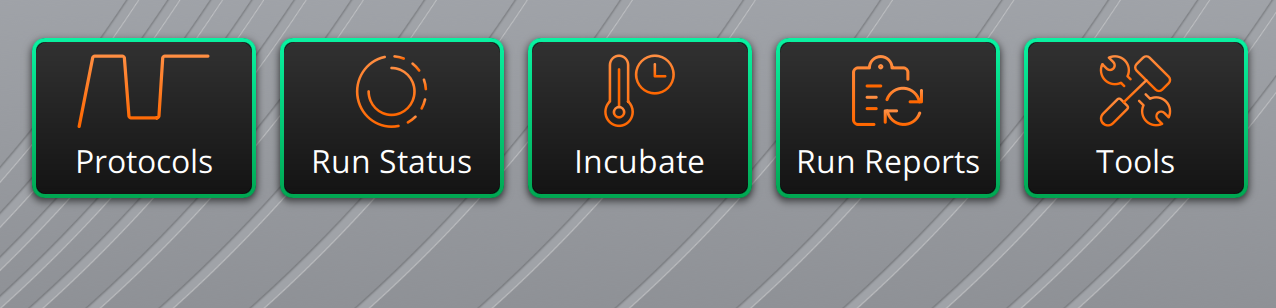
| 1. | From the CFX Opus Home screen, tap Tools |
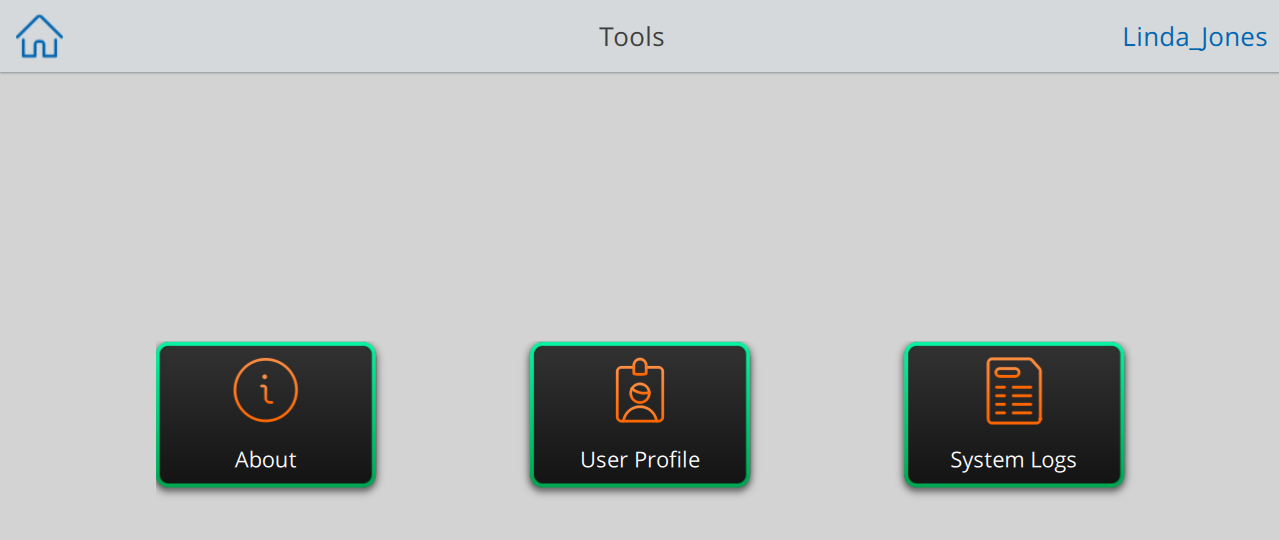
| 1. | Select User Profile. |
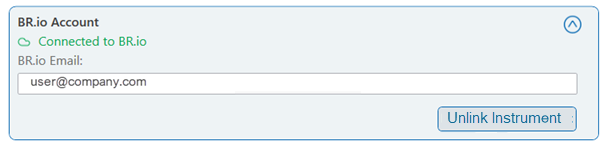
| 2. | Tap the icon to the right of BR.io Account, and then tap Unlink Instrument. |
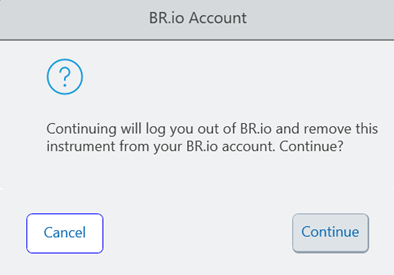
| 3. | To disconnect from BR.io, click Continue. |
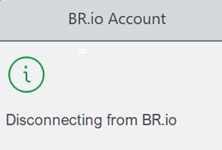
The following status dialog box appears to confirm your CFX Opus PCR system user profile is disconnecting from BR.io.
| 4. | Tap Back in the upper-left corner to return to the Tools screen. |
| 5. | Tap the Home icon in the upper-left corner to return to the CFX Opus PCR system Home screen. |
The instrument and BR.io are disconnected, and the instrument is removed from the Instruments page and the Recent Instruments section of the Home page.