About ChemiDoc Go Image Types
Your ChemiDoc Go imager can capture single-channel and multi-channel images that you can export to BR.io.
The following table contains information on single-channel and multi-channel images and the associated displays and icons.
|
Scan Type |
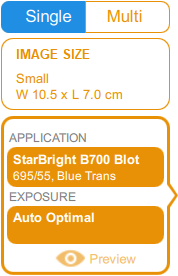
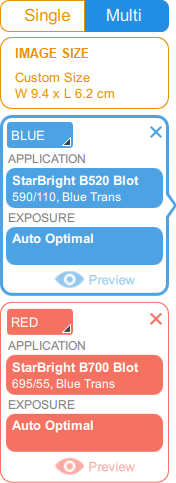
ChemiDoc Go Display |
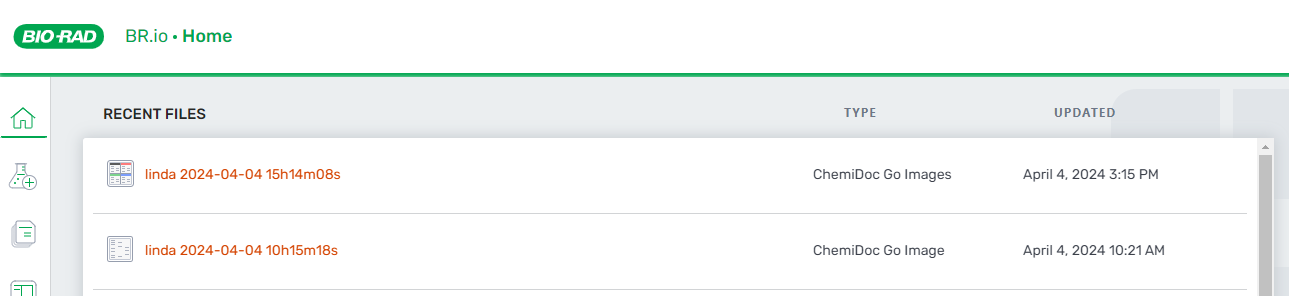
BR.io Icon |
File Type |
Description |
|---|---|---|---|---|
|
Single-channel |
|

|
.scn |
When you capture a single-channel image on the ChemiDoc Go and export it to BR.io, the single-channel icon appears next to the image. The .scn file contains the single image identified in the Image Lab Touch image panel and is identified as a ChemiDoc Go Image in the Type column. |
|
Multi-channel |
|

|
.mscn |
When you capture a multi-channel image on the ChemiDoc Go and export it to BR.io, the multi-channel icon appears next to the image. The .mscn file contains each image identified in the Image Lab Touch image panel. and is identified as ChemiDoc Go Images in the Type column. |