
Skipping a Step in a Run
To skip a step from the Instrument Control page
| 1. | Click the Instrument Control tab to open the Instrument Control page. |
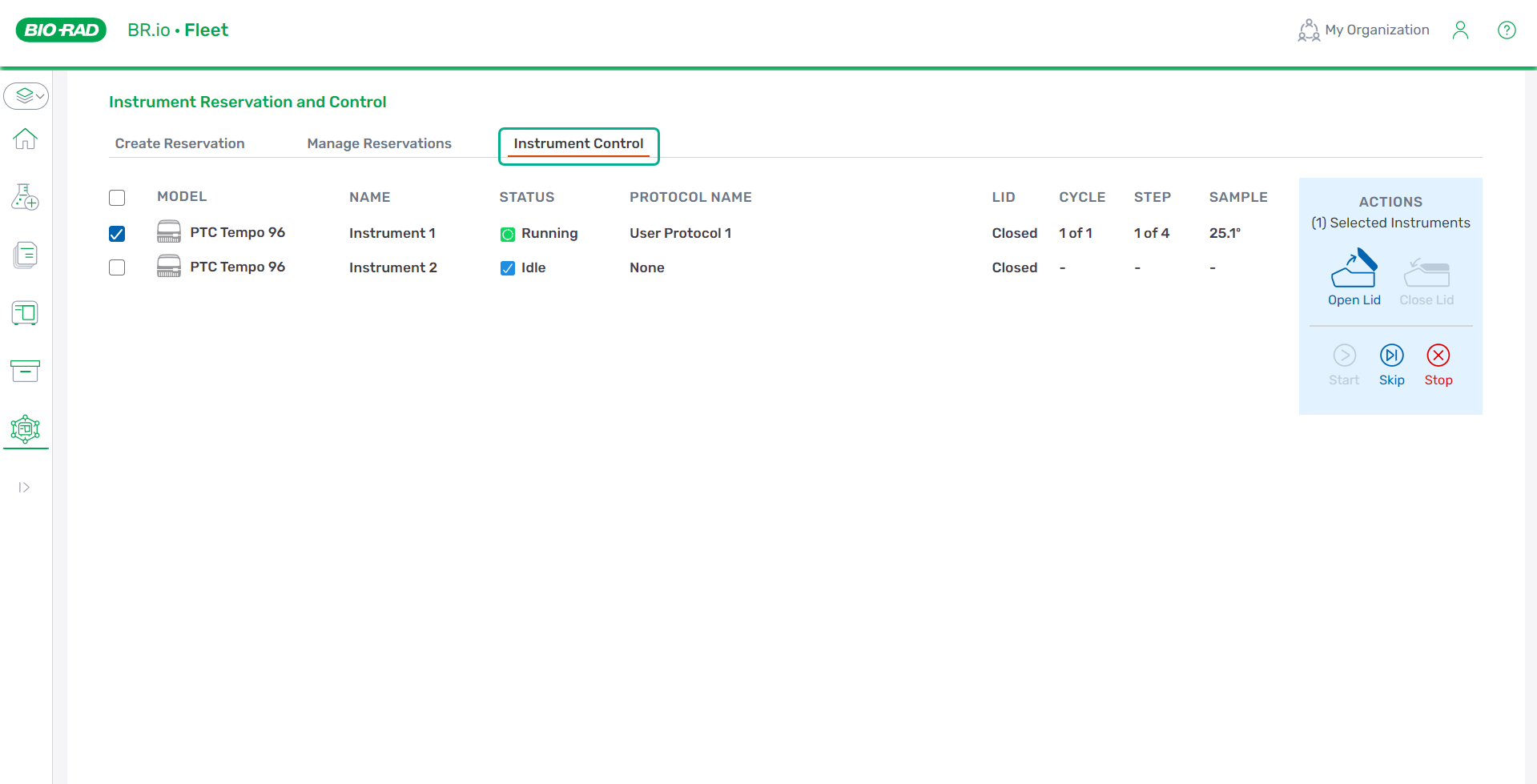
| 2. | Select the checkbox for each instrument for which you are skipping the step. |
| 3. | Click Skip on the right. |
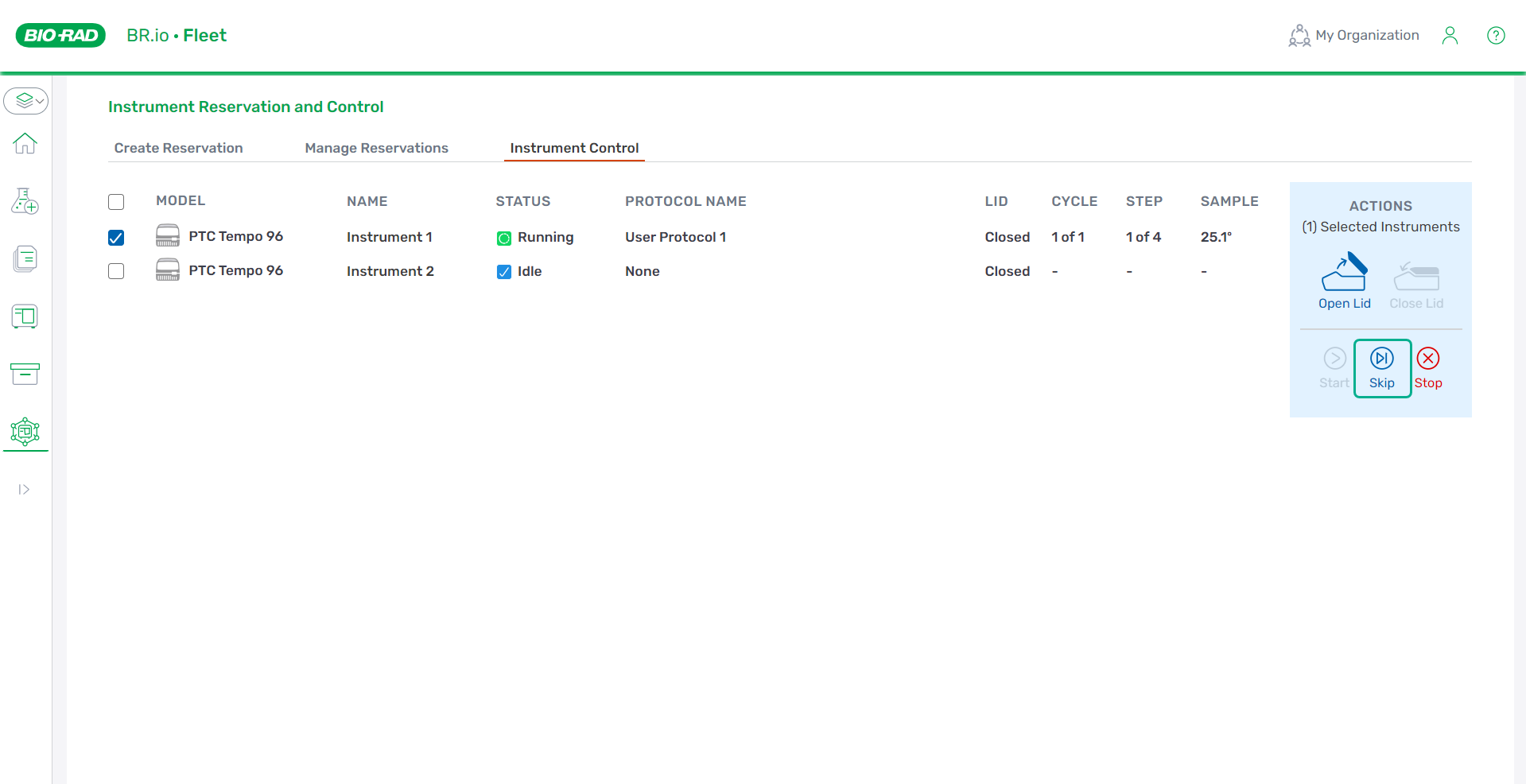
| 4. | In the confirmation modal, click Skip. The step in the Step column advances to the next number. |
Important: Skipping the last step in a run will stop the run.
Important: If the step is part of a GOTO cycle, clicking Skip Step will skip the entire cycle.
Note: Reservation owners can also skip on the Run Status screen of the PTC Tempo instrument. For more information, refer to the PTC Tempo instrument guide.