
Stopping a Run
To stop a run from the Instrument Control page
| 1. | Click the Instrument Control tab to open the Instrument Control page. |
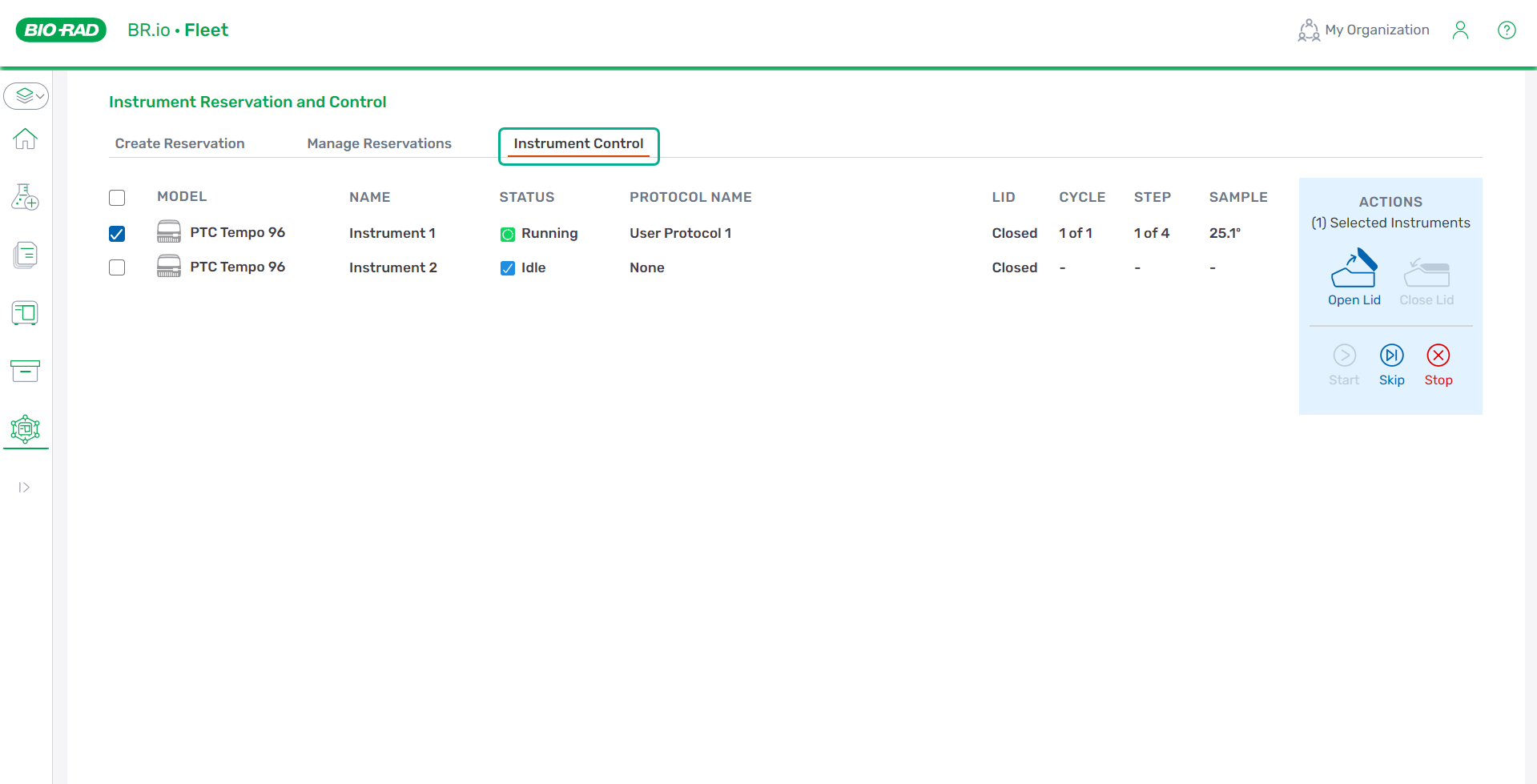
| 2. | Select the checkbox for each instrument for which you are stopping the run. The Stop button is enabled if the selected instrument(s) can stop the run |
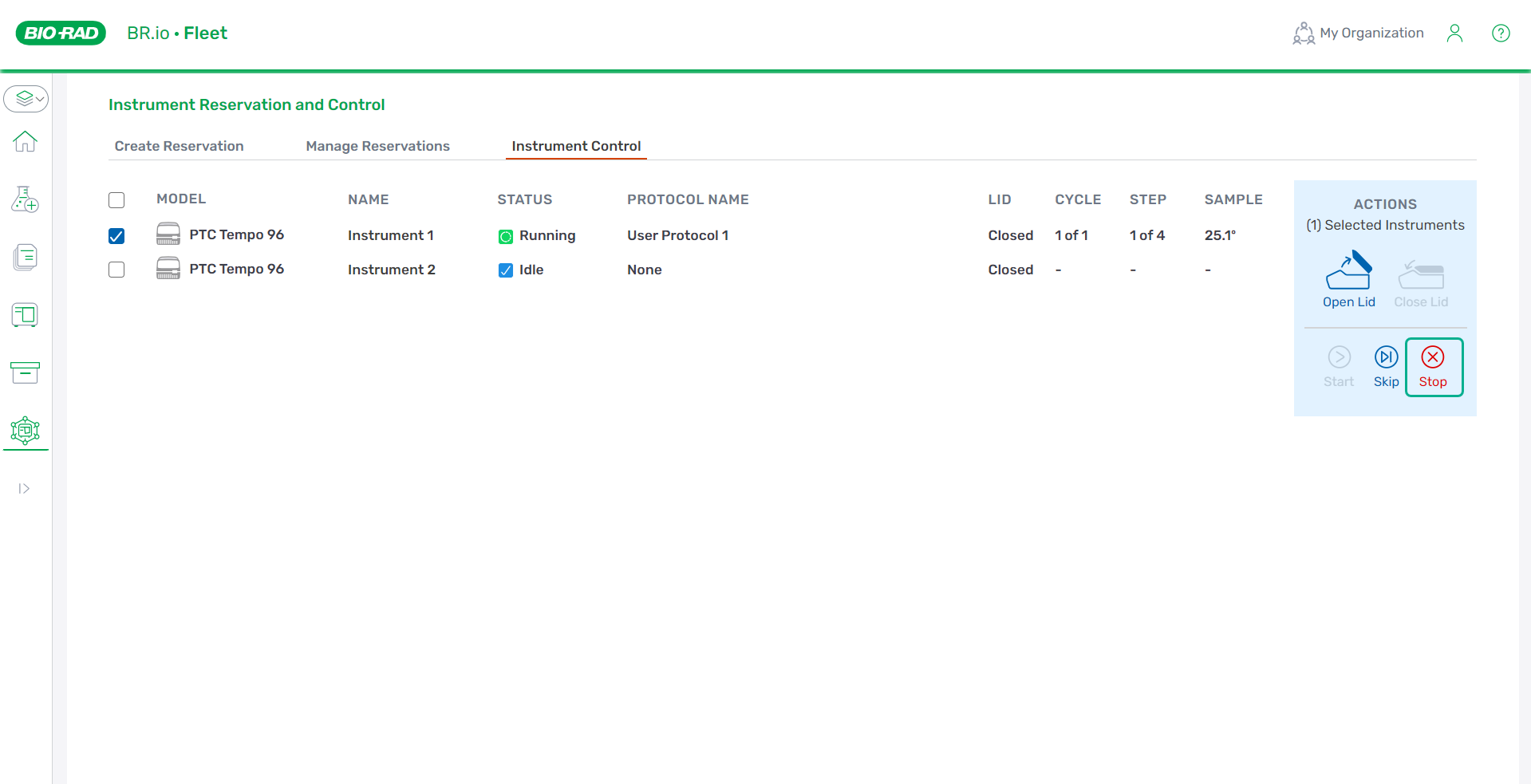
| 3. | Click Stop on the right. |
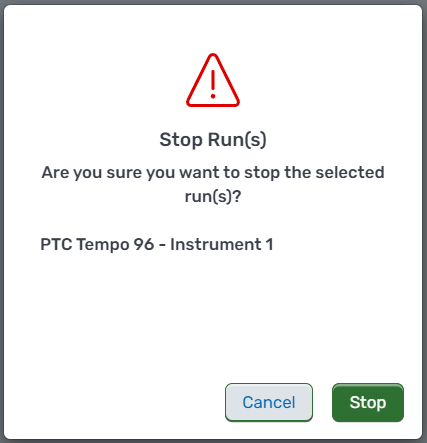
| 4. | In the confirmation modal, click Stop. |
The Status column changes to Idle.
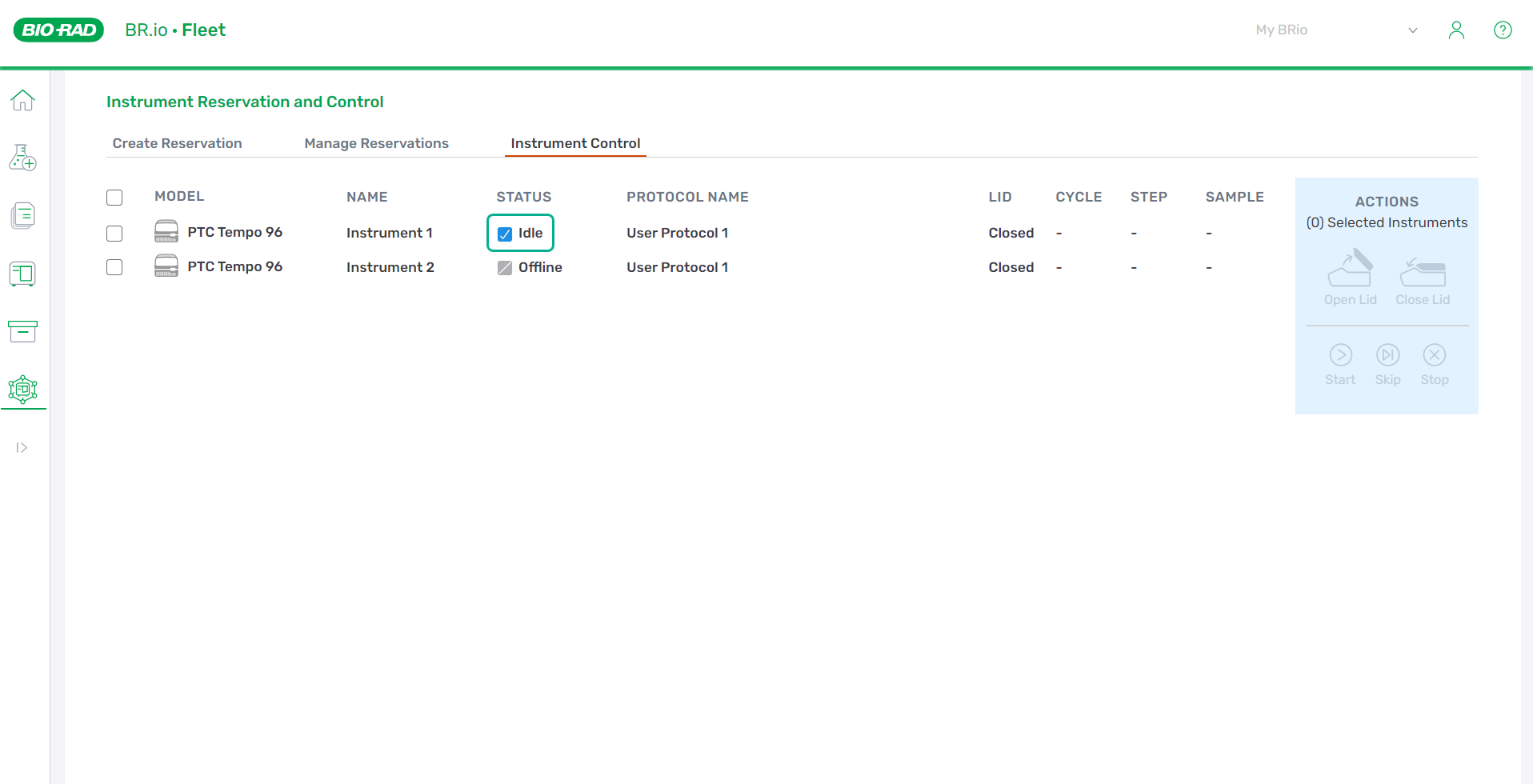
Important: Stopping an in-progress run removes the protocol assignment from the instrument. You must re-assign a protocol to the instrument(s) on the Manage Reservations page to start the protocol run again.
Note: Reservation owners can also stop a run started from the Instrument Control page on the Run Status screen of the PTC Tempo instrument. For more information, refer to the PTC Tempo instrument guide.
Note: If a user stops a run, the PTC Tempo uploads a run report to BR.io indicating that the run completed. To access the run report, navigate to Files menu, select the run, and click the Run Report link.