Viewing the Run Report
The run report contains information regarding the run on the instrument used.
To view the run report
|
1.
|
From the Run details page, click the Run Report link. |

The Run Report page appears.
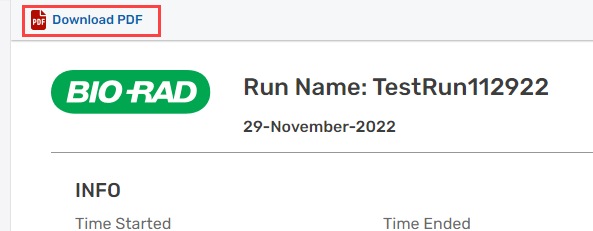
The run name and run date appear in the heading section.
|
2.
|
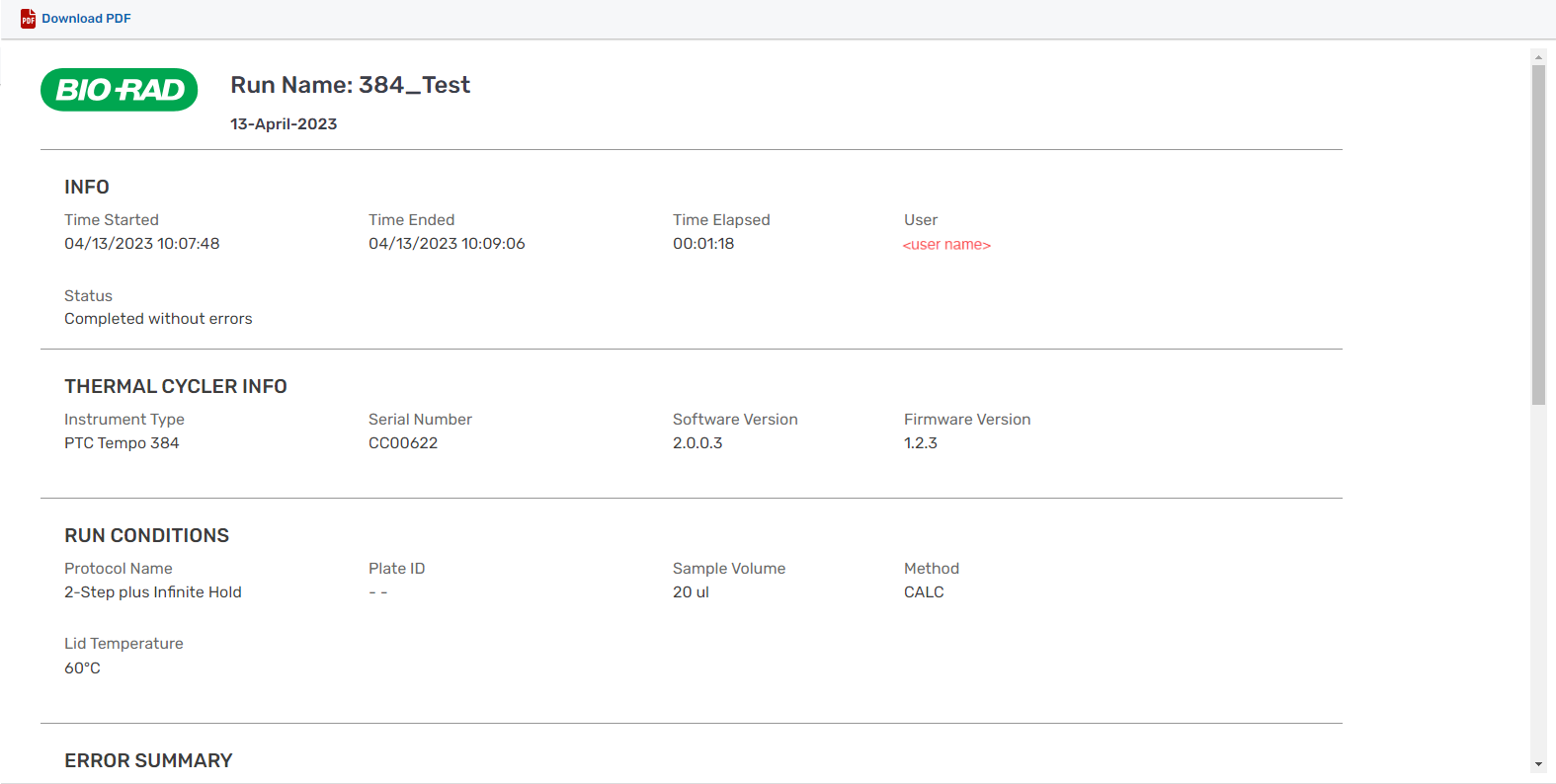
Scroll down the page to see all run report sections. The Run Report contains the following information: |
|
●
|
Info — Time the run started and ended, time elapsed, user name, and run status |
|
●
|
Thermal Cycler Info — Instrument serial number, firmware version and software version |
|
●
|
Run Conditions — Protocol name, plate ID, sample volume, method, and lid temperature |
|
●
|
Error Summary — When applicable, information on the error state |
|
●
|
Protocol Steps —Sequential steps executed |
|
●
|
Run Details — Temperature and timestamp for each protocol step and repeat, along with run completion timestamp |
|
3.
|
To download the information in PDF format, click the Download PDF link in the upper-left corner. |