Searching for Run Files
On the BR.io Files page, you can use the Search field to locate a specific run file or template, or a range of run files.
To search for run files
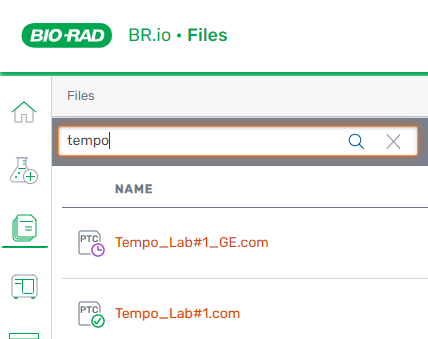
| 1. | Click the Files icon in the left panel. |
| 2. | Enter all or part of a file name into the Search field and click the search icon. |
Run files matching the search criteria are filtered and appear in the list.
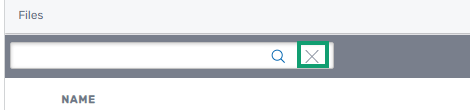
| 3. | To clear the filter, click the x on the right. |